How to Measure an O-Ring: Complete Engineering Guide
What dimensions define an O-ring, why callipers and cones introduce operator error on flexible rubber, and how to measure standard and large O-rings (up to 1,500 mm ID) in seconds.
1. Which Dimensions Define an O-Ring?
Every standard O-ring (whether AS568, ISO 3601, DIN 3771, BS 4518, JIS B 2401, or general metric) is defined by two primary measurements in millimetres or inches:
Inside Diameter (ID)
The diameter across the hollow inner bore of the ring when laid flat and unstretched. On out-of-round flexible rings, true ID is defined by the inner perimeter divided by π (or centreline perimeter ÷ π minus CS).
Cross-Section (CS / W)
The thickness (cord diameter) of the rubber ring itself. Standard AS568 cross-sections are 1.78 mm (-0xx), 2.62 mm (-1xx), 3.53 mm (-2xx), 5.33 mm (-3xx), and 6.99 mm (-4xx).
Outside Diameter (OD)
Calculated as OD = ID + (2 × CS). In optical measurement, both the inner and outer edges are traced directly around the full 360° perimeter so ID, OD, and CS are solved simultaneously.
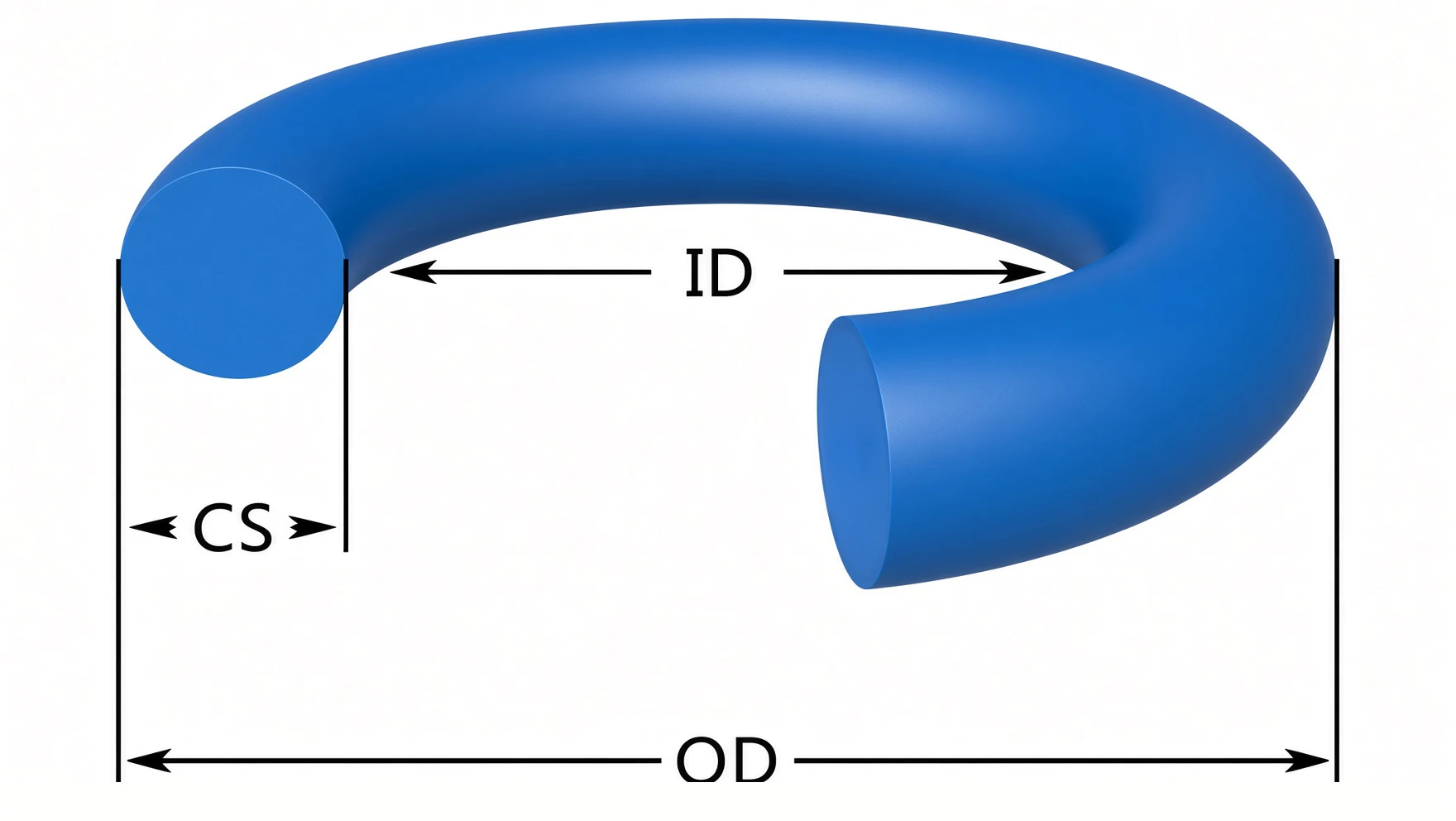
OD ≈ ID + 2×CS as a cross-check. (Source: The O-Ring Handbook)Why Moulded O-Rings Don’t Have a Single Micron-Level “True” ID or CS
Moulded rubber O-rings are formed in two-piece heated tools and shrink anisotropically as they cool. Because of parting-line flash, mould clamp offset, and cord twist, an O-ring’s cross-section is not a true geometric circle: the axial thickness (what callipers measure vertically) and the radial width (what an overhead camera sees horizontally) routinely differ by 0.03 to 0.12 mm (30–120 µm) around the same ring.
Because the rubber part itself varies by tens of microns depending on orientation, small differences between a vertical calliper check and an overhead optical scan are completely normal, and micron-level claims on soft elastomers rarely reflect the physical part. Published standards (AS568 / ISO 3601-1 Class A) allow ±80 to ±220 µm on CS for this exact reason. What matters in practice is repeatable, non-contact measurement that avoids squeezing the rubber and reliably identifies the right standard size.
2. O-Ring Measurement Tools Compared: Callipers vs Cones vs Optical
Most sizing mistakes happen because technicians use rigid-metal tools on soft, elastic rubber. Here is how the five common measurement methods compare in practice:
| Method | Typical Repeatability | Main Failure Mode on Elastomers | Identifies Part Numbers? | Best For |
|---|---|---|---|---|
| Olypsys App + Grid / Pro-Vision Booth | 8–9 µm ID SD (standard) 0.02–0.17 mm SD (up to 1,450 mm) | None (non-contact full-perimeter fit corrects ovality & camera angle) | Yes (AS568, ISO, BS, JIS, Metric) | Maintenance, MRO, workshops, QC, and large rings up to 1,500 mm |
| Digital Vernier Callipers | ±0.15 to ±1.50 mm | Jaws compress soft rubber CS and measure only one chord of an oval ring | No (manual chart lookup) | Quick cross-section check on rigid or thick cords |
| O-Ring Sizing Cone & Feelers | ±0.50 to ±2.00 mm | Gravity/hand tension stretches thin rings; steps only cover one standard (usually AS568) | AS568 dash only (misses metric/JIS) | Rough sorting of standard AS568 rings under 180 mm |
| Pi Tape (Perimeter Tape) | ±0.25 to ±1.00 mm | Wrapping a steel tape around a floppy rubber ring buckles or compresses the seal | No | Rigid machined metal grooves or mandrels |
| Dedicated Lab Vision Systems | High (on rigid / fixtured parts) | High capital cost; limited stage size for large rings; no wear compensation or built-in seal catalogues | No (requires custom CAD templates) | High-speed automated sorting in seal manufacturing plants |
3. How to Measure an O-Ring in 10 Seconds with Olypsys
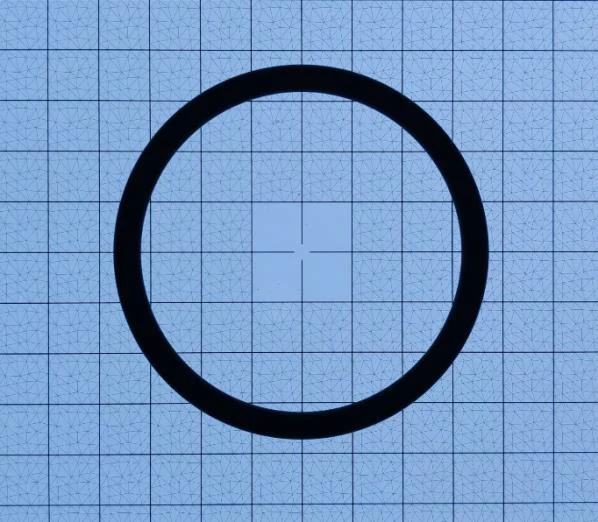
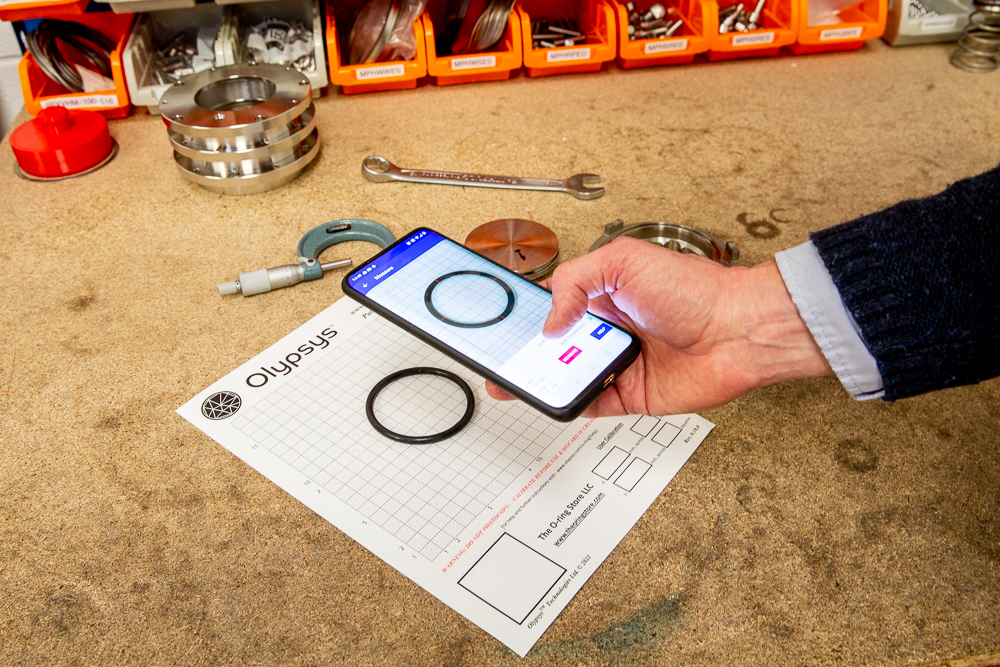
Instead of relying on an operator's hand feel with callipers or micrometers, optical measurement uses a known reference grid right next to the part in the photograph.
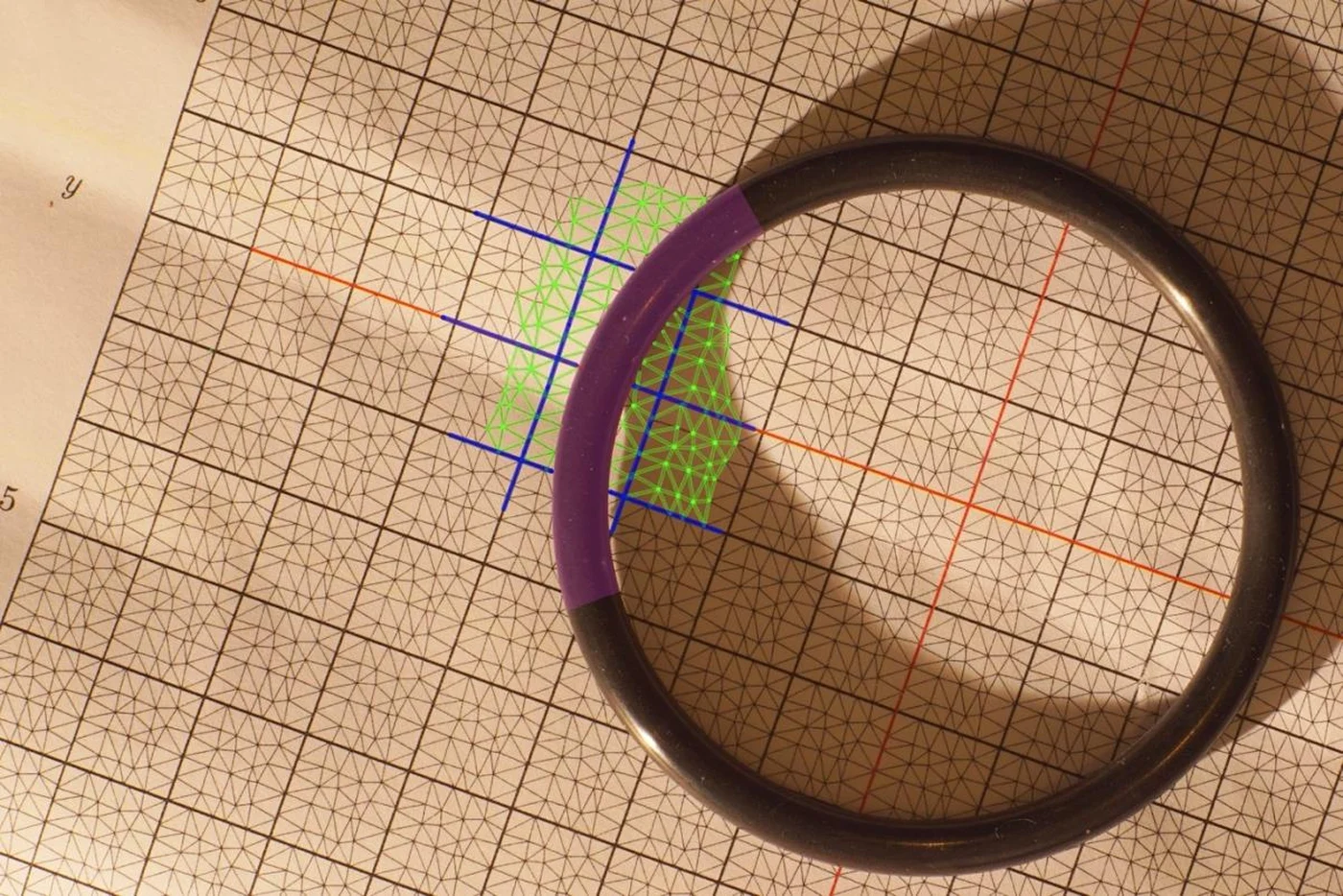
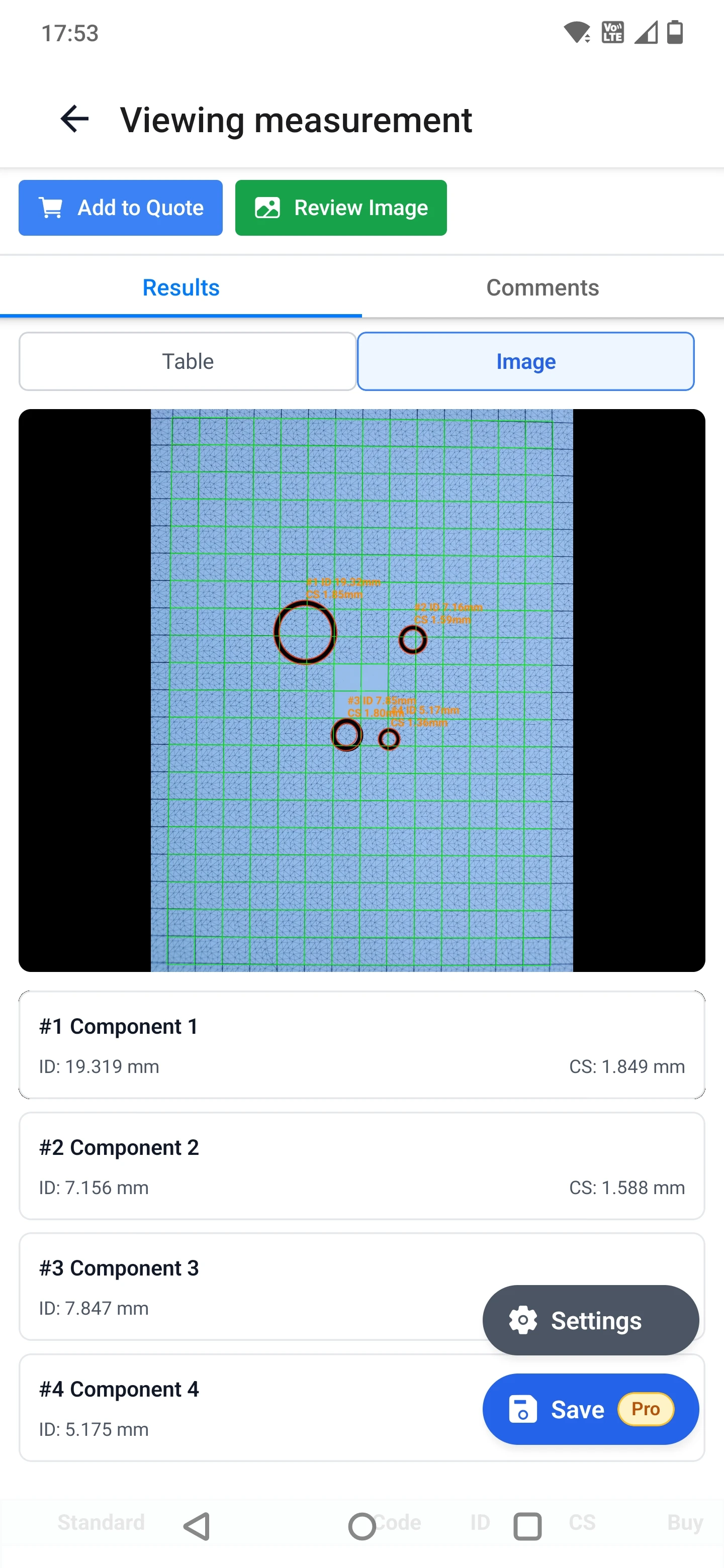
You simply lay the O-ring on the calibration sheet on your workbench, hold your phone over the part, and tap Measure. The app corrects for camera tilt and lens distortion automatically and traces the entire inner and outer perimeter without touching the rubber.
Place on the Grid
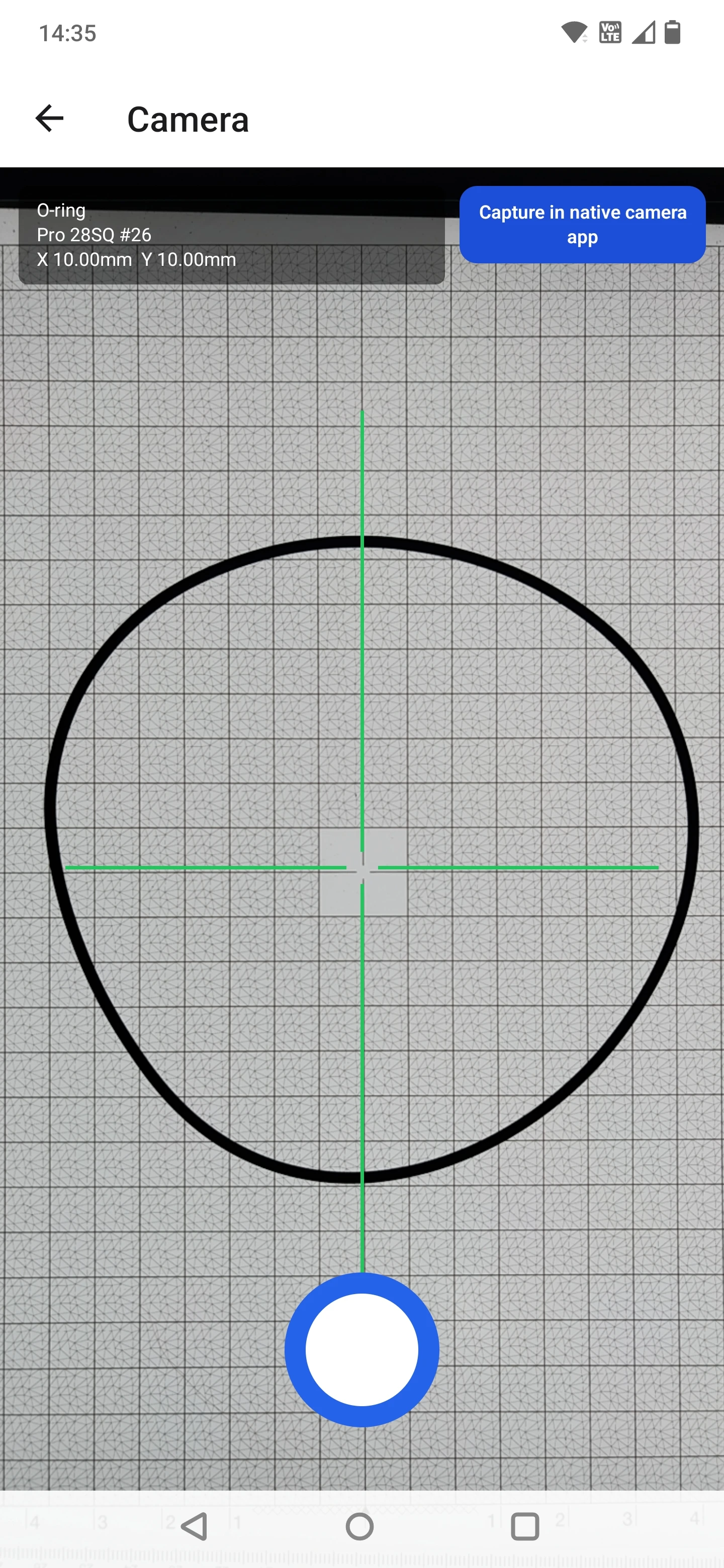
Lay the O-ring flat near the centre of a free printed A4/Letter grid (up to 200 mm OD), an A3 Pro Grid (up to 280 mm OD), or inside a Pro-Vision Booth (up to 1,500 mm OD).
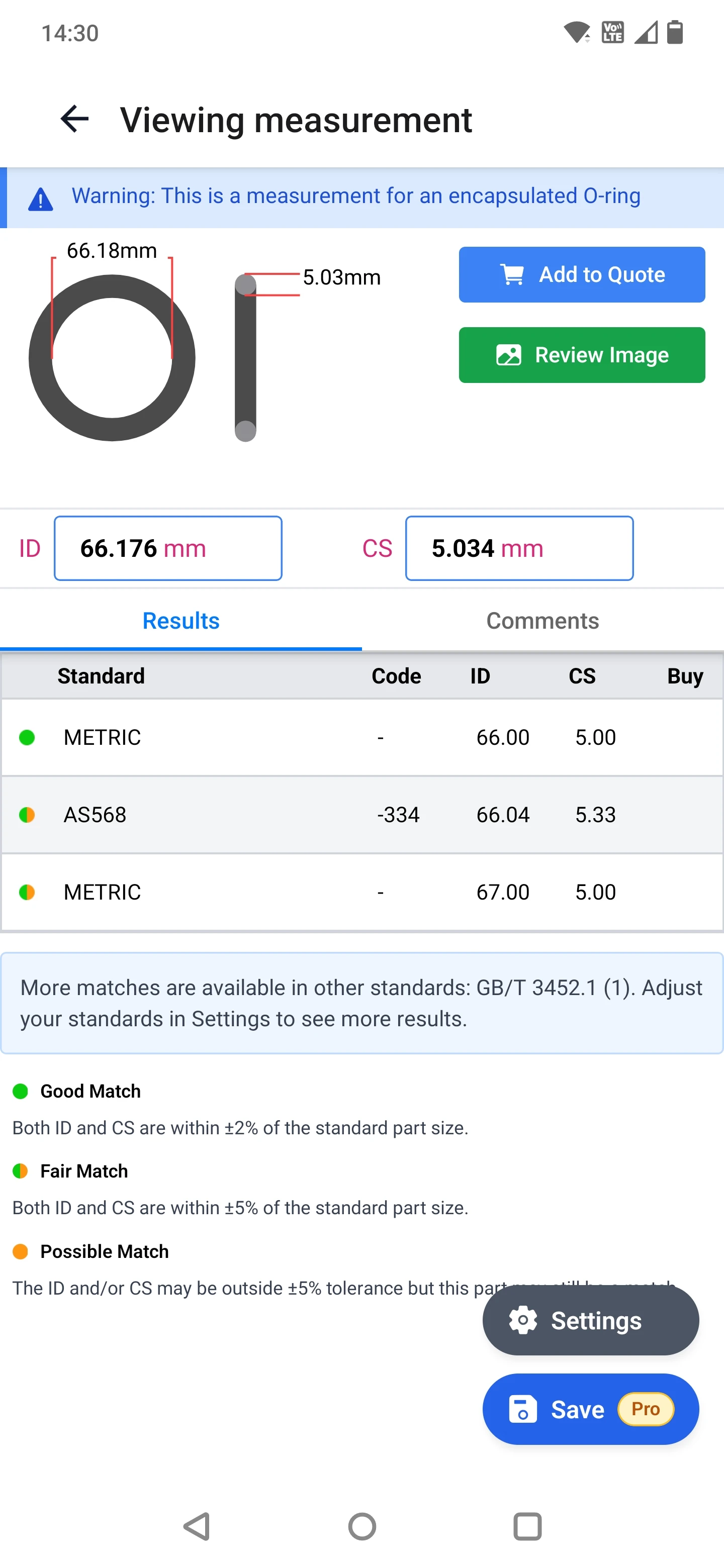
Approve the Edge Trace
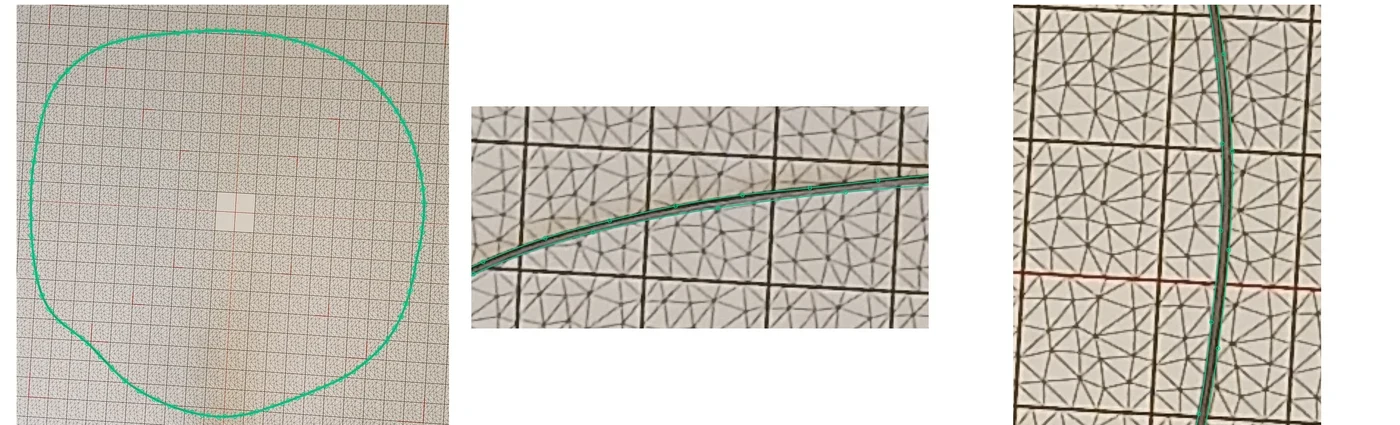
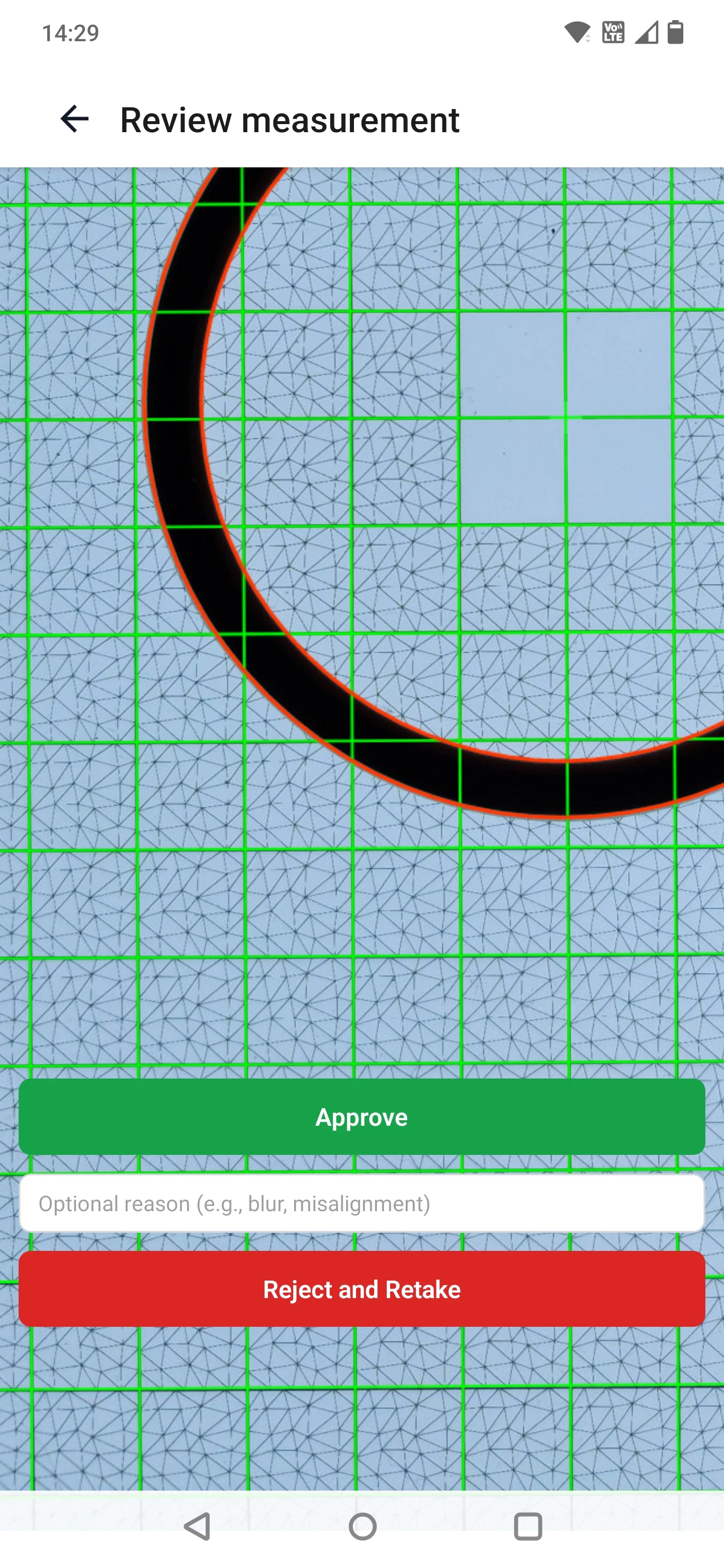
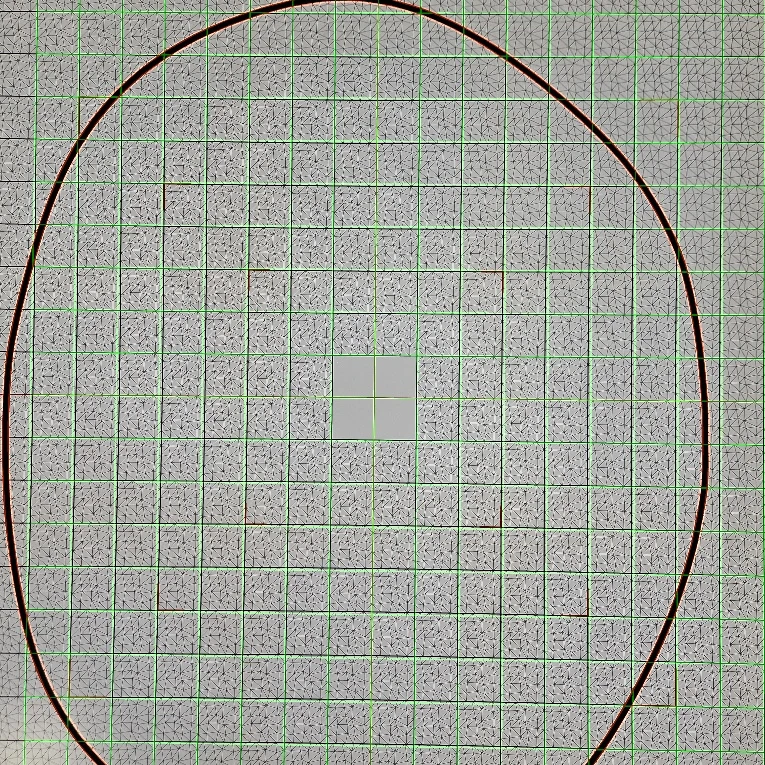
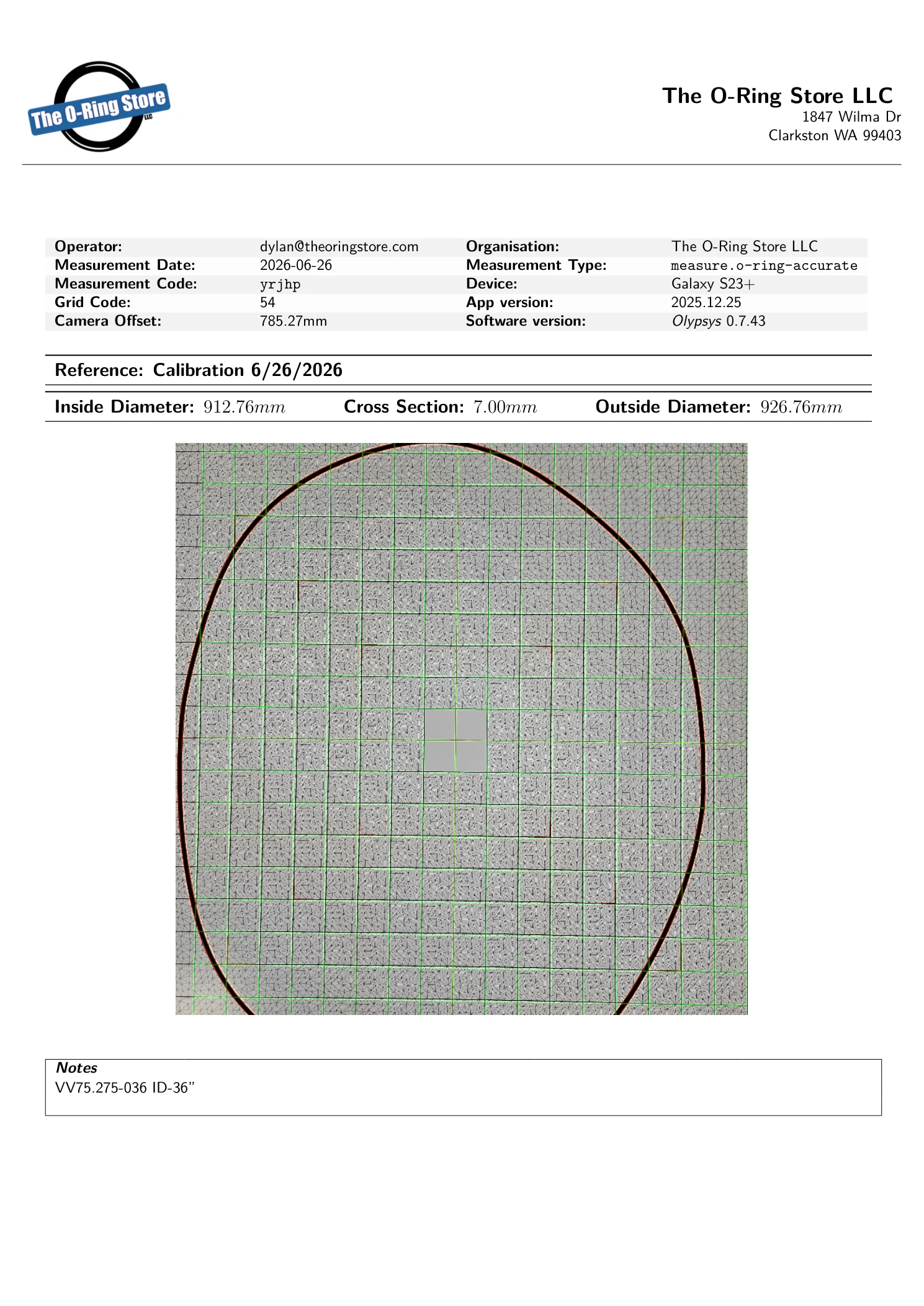
The app solves camera height, tilt, and lens distortion from the grid squares, segments the seal, and draws the fitted inner and outer contours directly over your photo for visual verification.
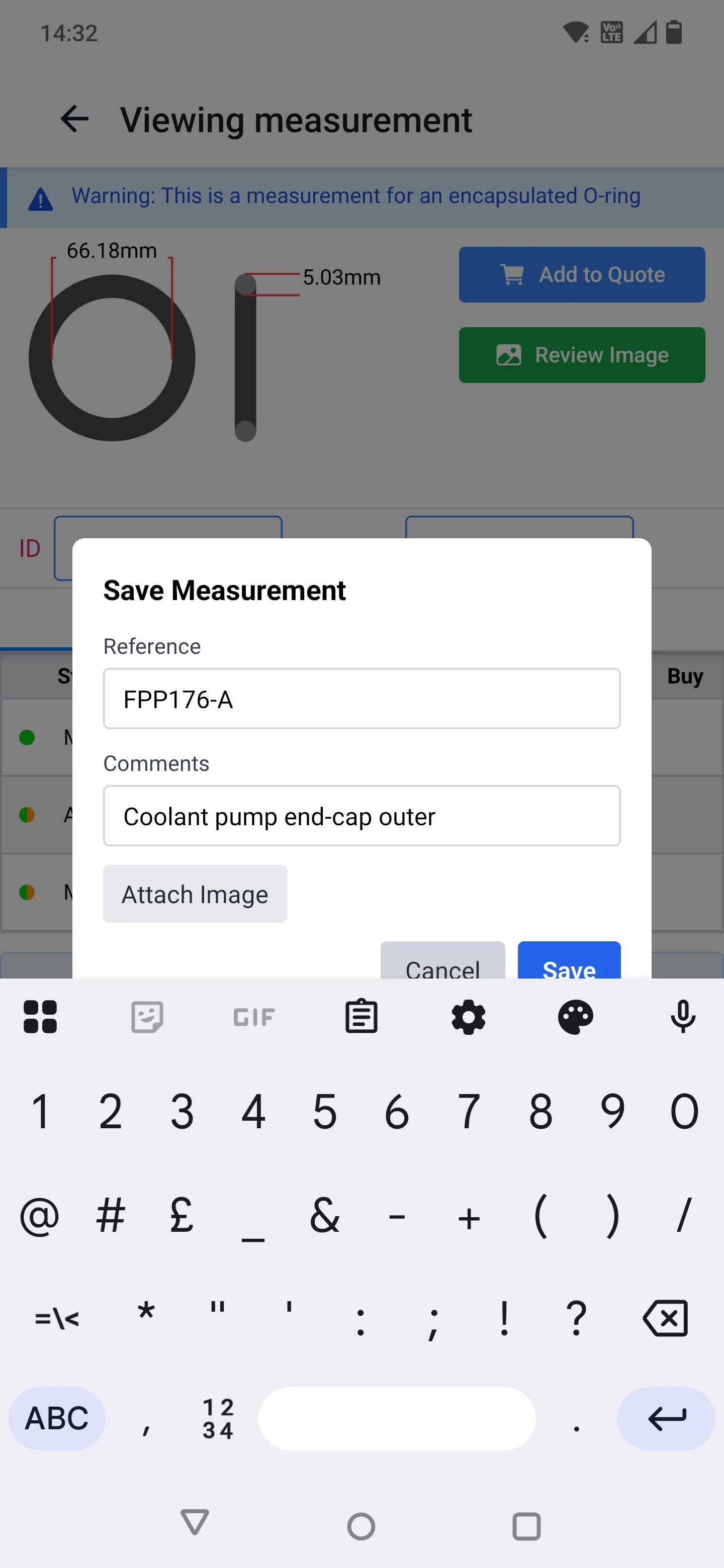
Match Part Numbers
Read the exact ID, CS, and OD alongside ranked matches across AS568, ISO 3601, BS 4518, GB/T 3452.1, JIS B 2401, and metric standards, with Good, Fair, and Possible tolerance flags.
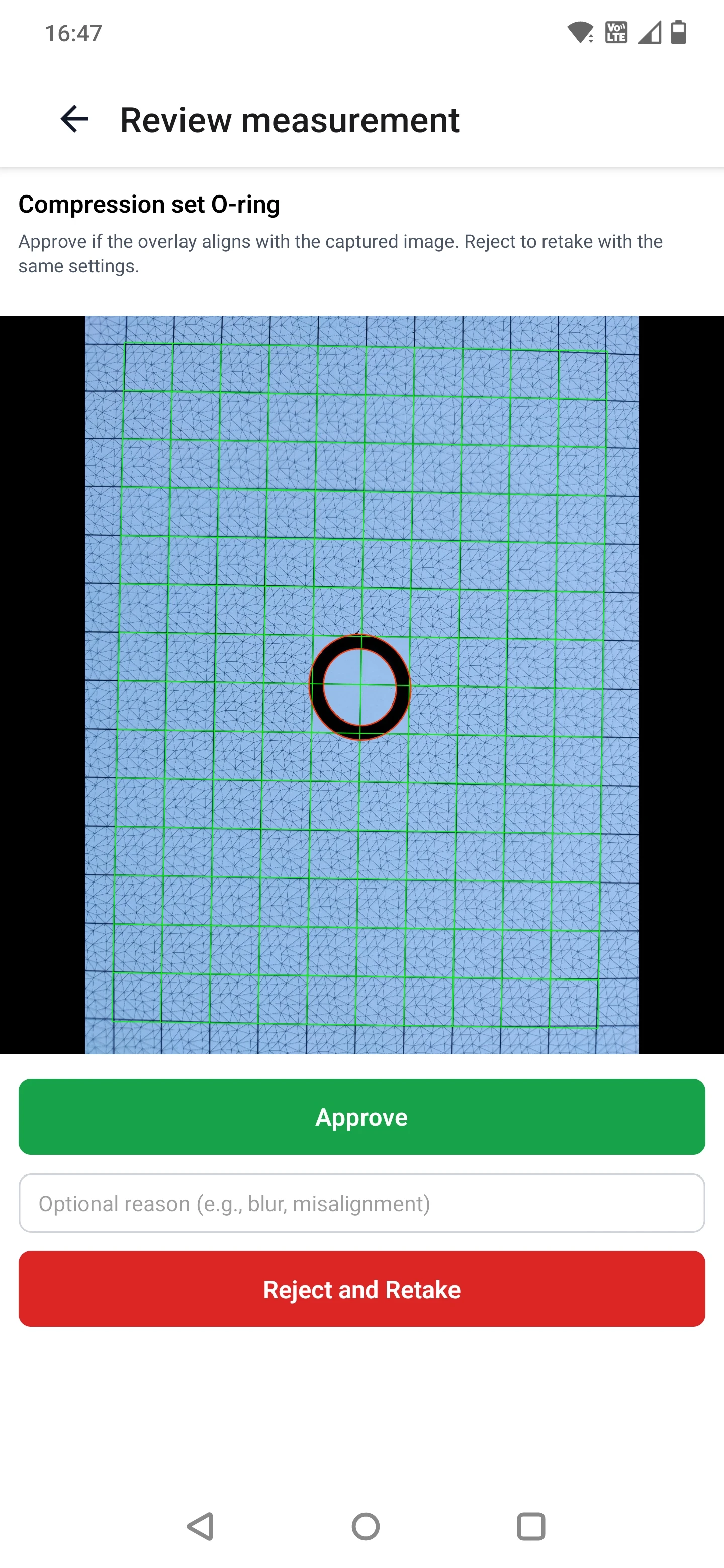
Save & Export QC Report
Tag the measurement with a job reference or customer PO, sync automatically to The Vault, and generate a branded PDF inspection report in one click.
Specialised Modes: Worn, FEP-Encapsulated & Batch
Field-returned and speciality seals often trip up standard optical gauges. Olypsys includes dedicated modes for difficult O-rings:
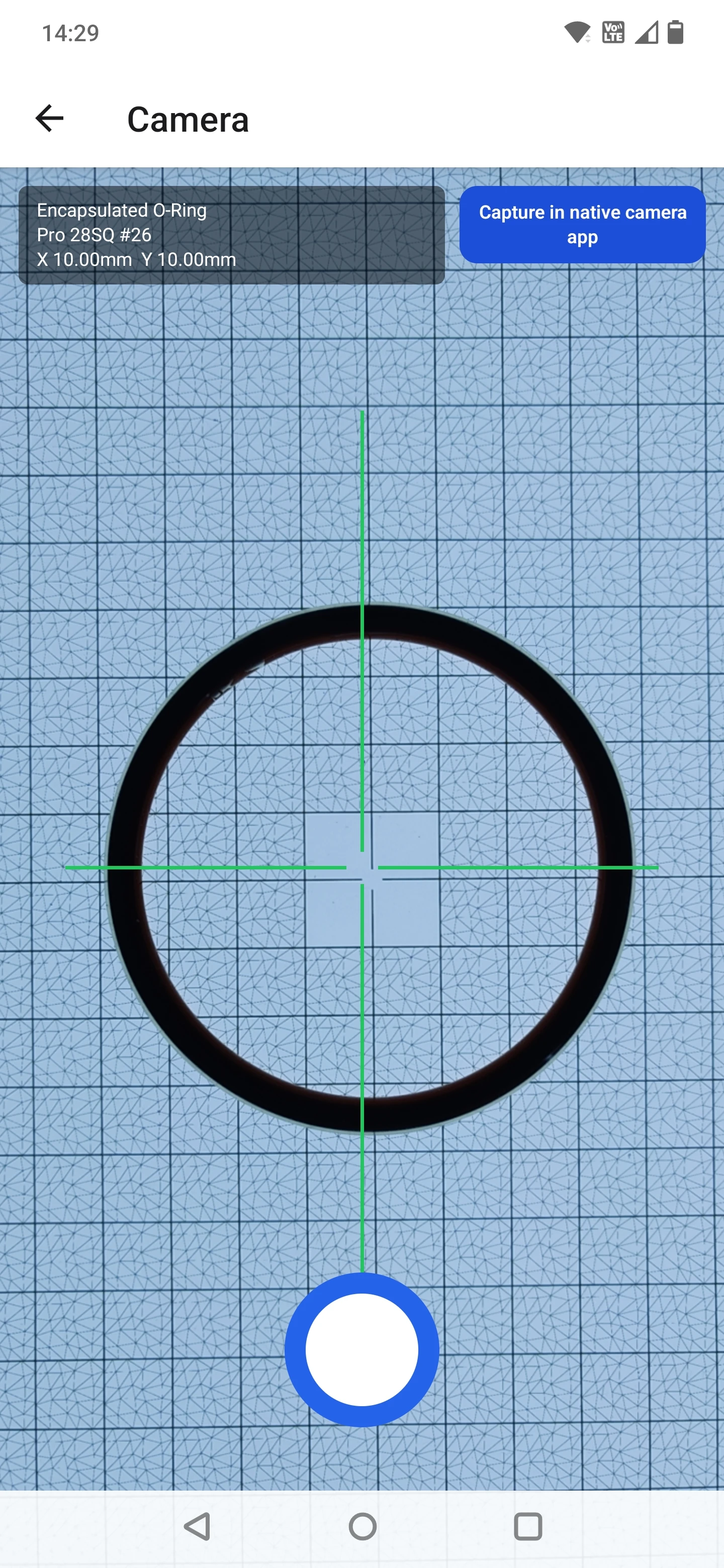
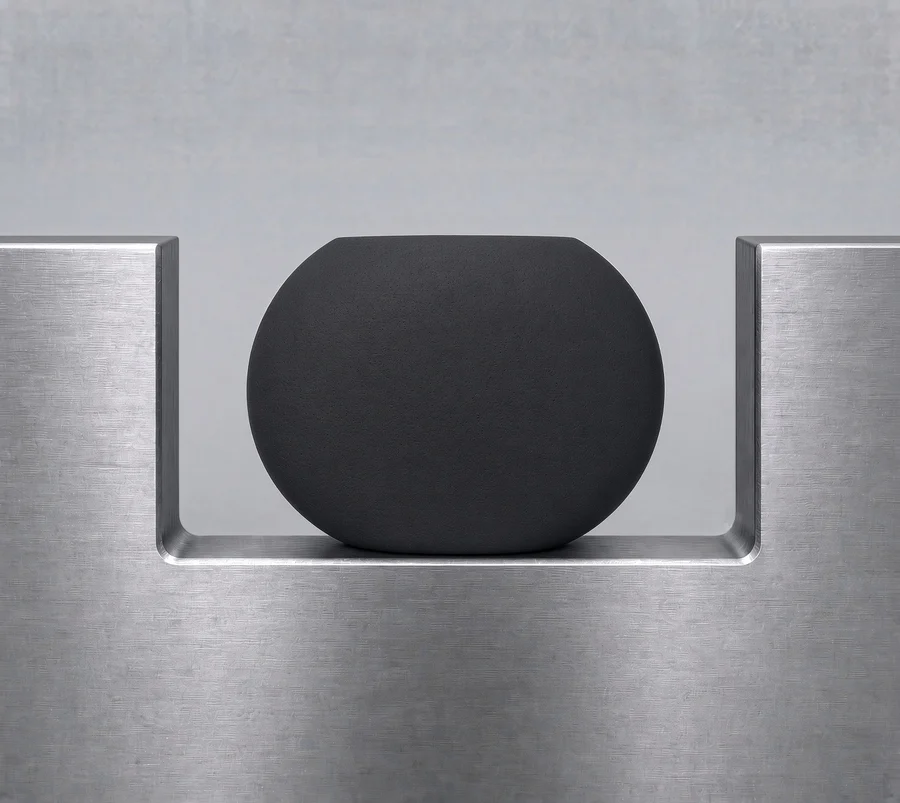
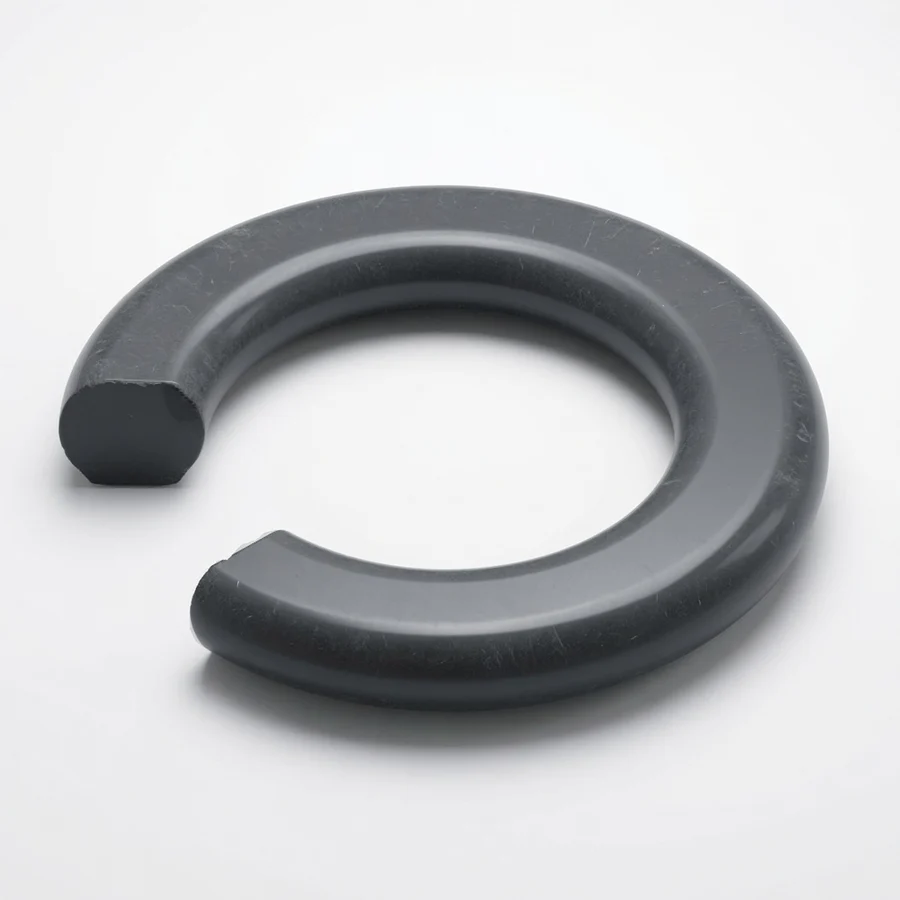
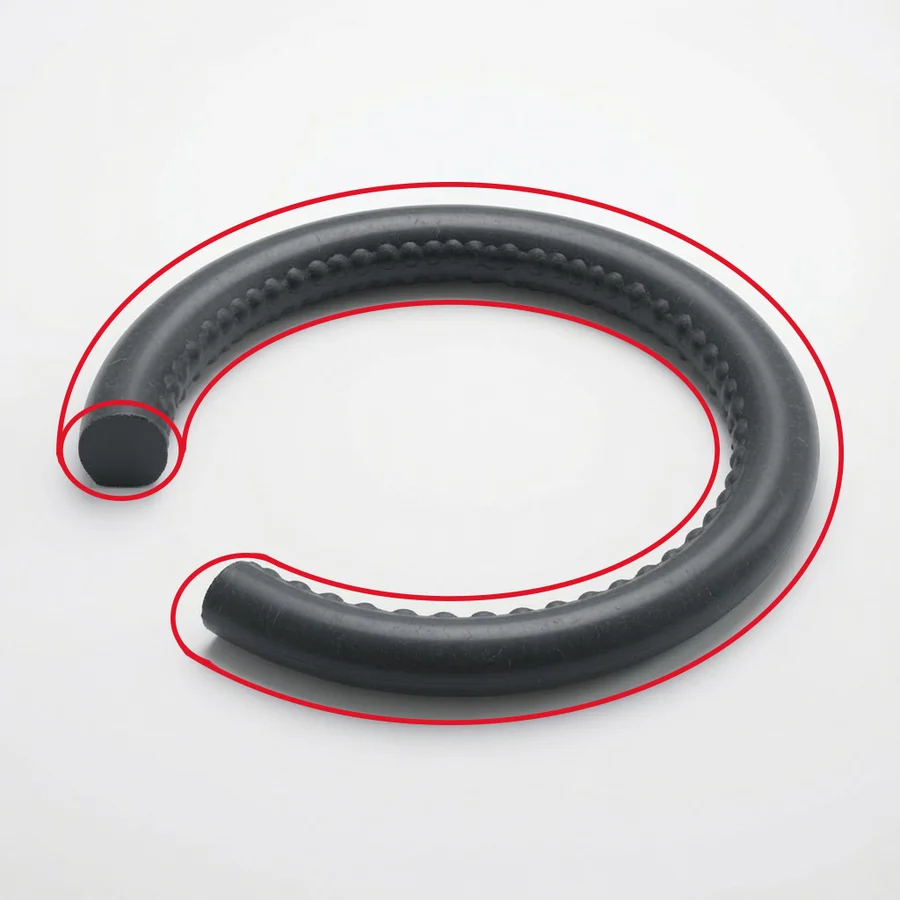
Used seals flatten under compression set or suffer edge nibbling, so a damaged part no longer reads its original moulded size. Switch on Wear Compensation to ignore local nicks, flash, and compression set, or measure the metal groove when possible. Read more in How to Measure an O-Ring With Your Phone.
Capture Setup: What Makes a Clean Optical Reading
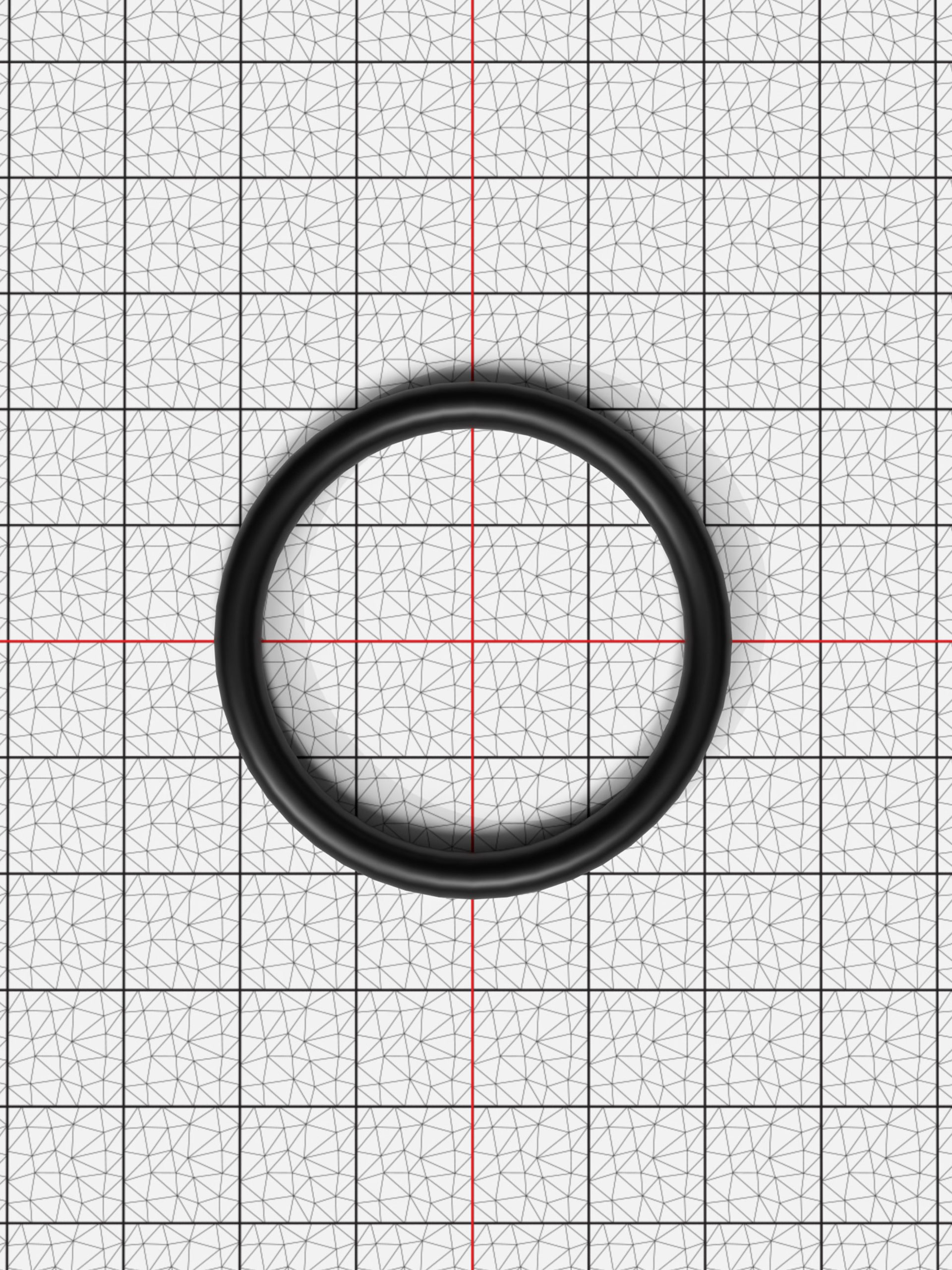
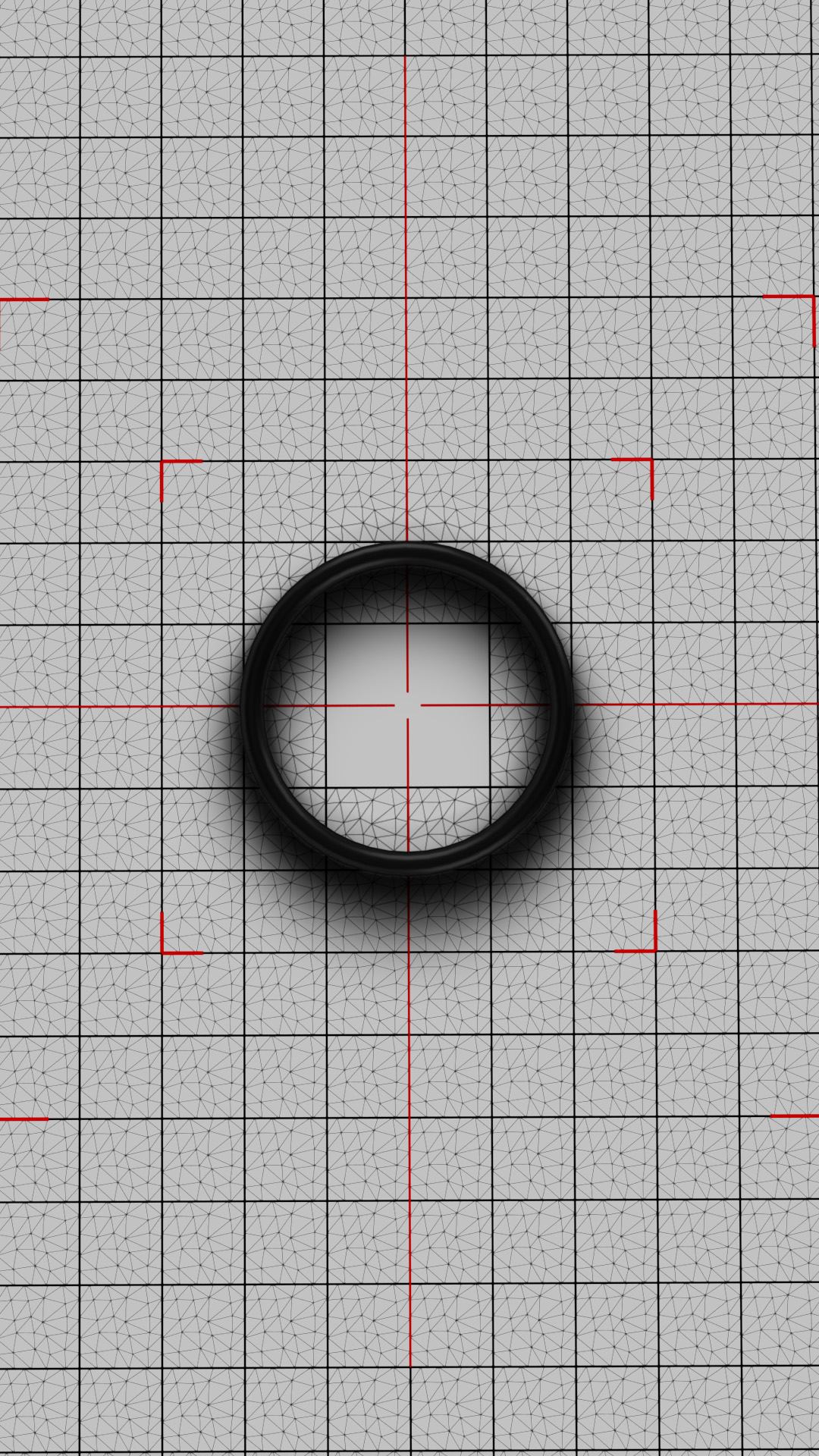
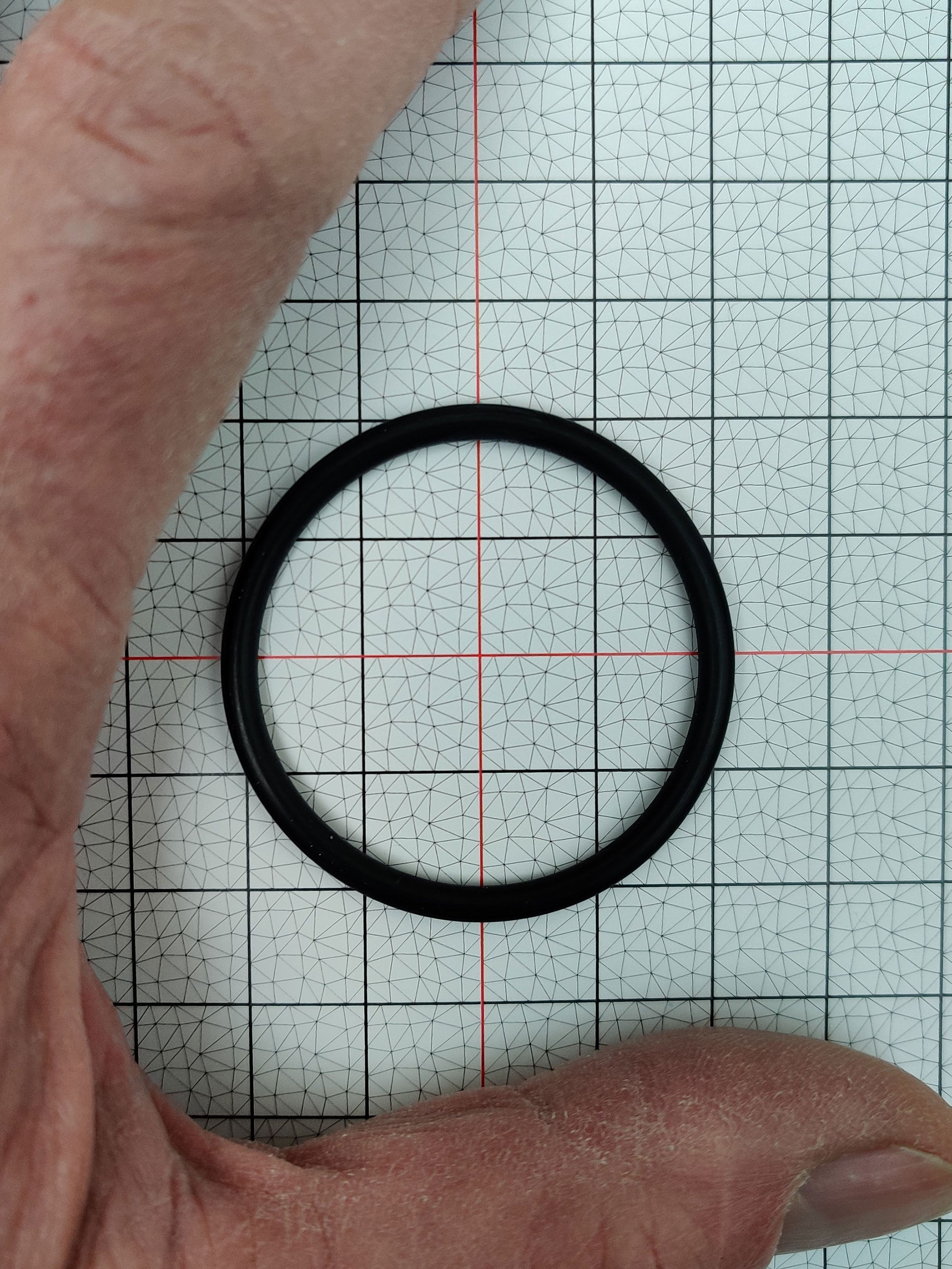
For handheld captures on a printed or Pro Grid, keep the grid flat, avoid strong directional desk-lamp shadows across the cord edge, and leave a clear margin of visible grid squares around the ring:
4. How to Measure Large O-Rings Accurately
Once an O-ring exceeds 300 mm ID (and especially on slender rings from 600 mm to 1,500 mm ID), hand tools and contact CMMs break down completely. When we asked commercial metrology labs to certify our 400–1,450 mm rubber rings, they turned down the work because soft elastomers deform on contact. Measuring across two points with a tape measure or long calliper can be off by 5–20 mm.
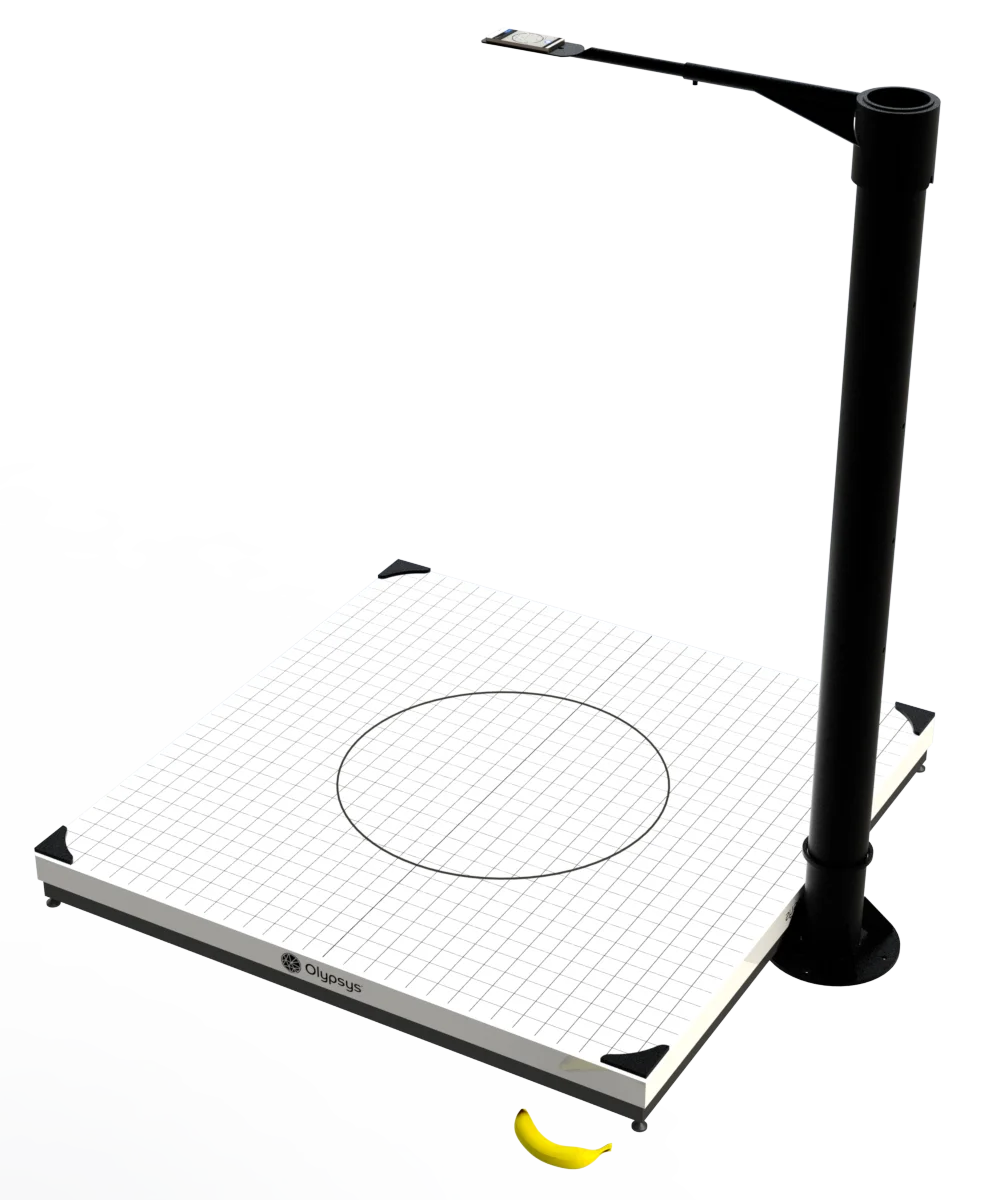
Our Pro-Vision Booths (600 mm, 900 mm, 1,200 mm, and 1,500 mm) solve this using Pre-Set CS + 47-Knot Centreline Fitting:
- Measure the cross-section (CS) with callipers (where the cord is locally rigid) and enter it into the app, or use free-CS mode.
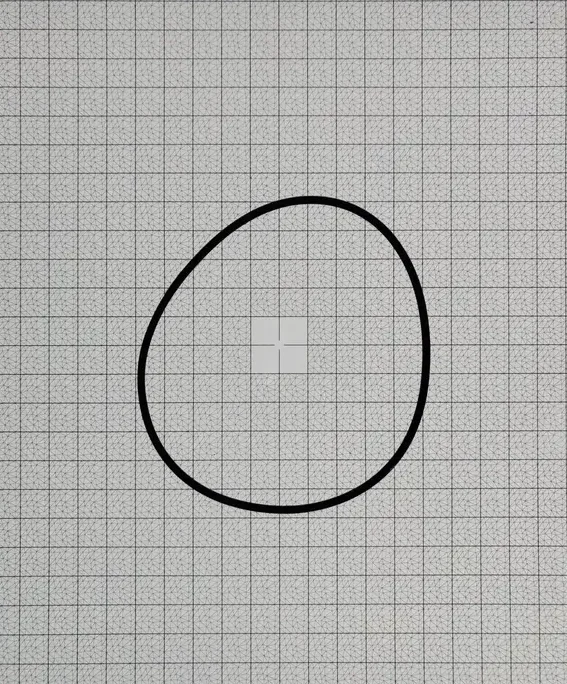
- Lay the ring on the large-format backlit grid (no need to force it into a perfect circle).
- Trigger a capture from your desktop browser: Olypsys fits a 47-control-point spline with photographic edge refinement along the entire centreline and divides the total perimeter by π to report the exact circumference-equivalent ID.
In recent benchmark tests on component IDs 1450X10A (1540A, ~1,450 mm ID), 1250X8A (1250A, ~1,250 mm ID), and 400X3A (~400 mm ID), this workflow achieved 0.02–0.17 mm ID standard deviation across three different phone models (with 5–21 µm back-to-back repeatability), delivering laboratory-grade repeatability at a fraction of the cost of dedicated large-stage vision machines.
Quick Best-Practice Checklist for Manual Calliper Backup
If you must measure an O-ring with callipers before switching to optical measurement, follow these rules to minimise error:
- 1. Zero thumb pressure on CS: Close the external jaws onto the cross-section until they just kiss the rubber under light illumination. Never pinch the cord.
- 2. Average at least 3 perpendicular diameters: Measure ID or OD at 0°, 60°, and 120° without stretching the ring with the internal nibs, and average the readings to reduce ovality error.
- 3. Measure outside diameter (OD) rather than using internal nibs: Internal calliper nibs easily stretch thin O-rings outward. Measure OD lightly and subtract
2 × CS. - 4. Use our online catalogue to match tolerances: Enter your measured ID and CS into the Olypsys O-Ring Parts Catalogue with a 1–2% tolerance filter to see all candidate AS568 and metric standards.
O-Ring Measurement Guide FAQs
Direct answers to common questions on O-ring sizing, tolerances, and optical inspection.
Do you measure an O-ring by Inside Diameter (ID) or Outside Diameter (OD)?
International O-ring standards (including AS568, ISO 3601, DIN 3771, BS 4518, and JIS B 2401) specify an O-ring by its Inside Diameter (ID) and Cross-Section (CS, also called cord thickness or width). Outside Diameter is derived as OD = ID + (2 × CS). When you measure an O-ring with Olypsys, the app measures the full inner and outer contours optically and reports ID, OD, and CS together alongside the matching standard dash number.
Why do digital callipers give inaccurate readings on O-rings?
Two reasons: (1) Elastomers are soft (typically 50–90 Shore A durometer), so even light thumb pressure on calliper jaws compresses the cross-section by 0.05–0.30 mm or stretches the inside diameter. (2) Callipers only measure a single two-point chord across the ring. Because flexible O-rings almost always lie slightly oval on a bench, measuring across the major vs minor axis can change the ID reading by several tenths of a millimetre (or several millimetres on a large ring).
How do you measure a large O-ring (over 300 mm up to 1,500 mm ID)?
Standard 150 mm or 300 mm callipers and sizing cones cannot span large industrial O-rings, and laying a large thin ring on a table leaves it out-of-round. The most accurate way to measure rings from 300 mm up to 1,500 mm OD is in an Olypsys Pro-Vision Booth using High-Accuracy Large-Format Mode: you measure the cross-section once, lay the ring on the calibrated large-format grid, and take one photo. Olypsys traces a 47-knot spline around the entire perimeter and computes the circumference-equivalent ID (Perimeter ÷ π − CS) with 0.02–0.17 mm standard deviation.
Can you identify an O-ring if it is worn, flattened, or cut?
If an O-ring has suffered compression set (flattened into an oval cross-section in service) or has local nicks and extrusion damage, callipers will read the deformed thickness rather than the nominal size. In the Olypsys app, enabling Wear Compensation or Compression-Set Mode instructs the computer-vision solver to ignore local edge damage and compensate for cross-sectional flattening so you still match the correct replacement part.
How do I measure an O-ring for free with my phone?
Download the free Olypsys Measure app on iOS or Android, print a free A4 or US Letter calibration grid from olypsys.com/products/grids at 100% scale, calibrate the sheet once in the app, place your O-ring in the centre of the grid, and tap Measure. Within seconds you get ID, CS, OD, and ranked AS568, ISO, and metric standard matches.
Stop guessing O-ring sizes with callipers
Print a free calibration grid and measure your first O-ring with your phone in under two minutes.